IDE
You will need either IntelliJ IDEA (Ultimate is preferred but the Community edition works too!) or CLion. The easist way to install them is via the JetBrains Toolbox app.
Kotlin plugin
Regardless of what IDE you choose, you need to install the appropriate Kotlin plugin. This can be done within the IDE (Settings -> Plugins). You have to install Kotlin plugin for IntelliJ IDEA while install Kotlin/Native for CLion plugin for CLion.
Importing
Once you have the plugin installed, you can start importing your project.
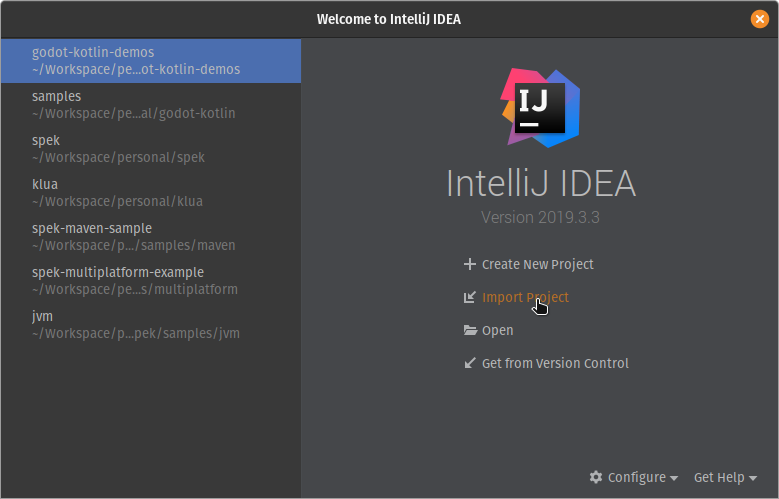
Click Import Project and select your project's build.gradle.kts file. The IDE will take some time to index your project, but once done you can start coding!